How to Make a Podcast with AI: A 2026 Guide
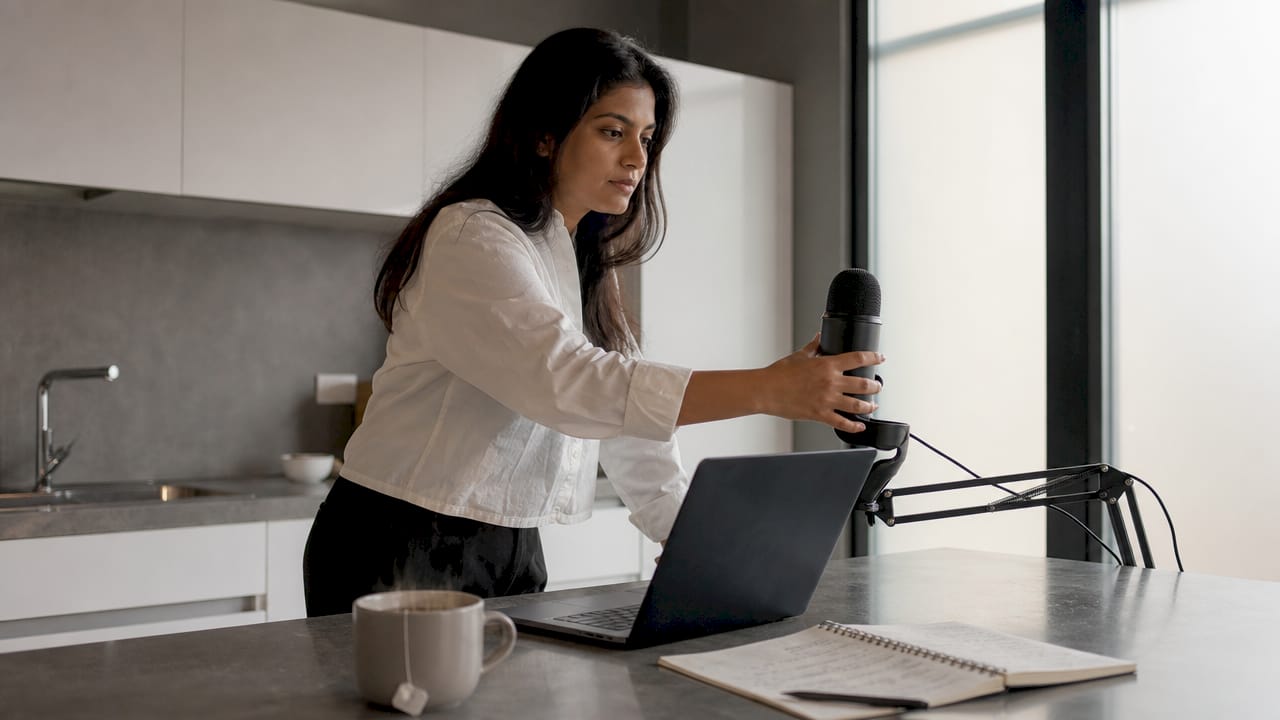
Making a podcast with AI is defined as using generative voice synthesis, AI writing assistants, and text-based editing tools to produce professional audio content without a recording studio or microphone. This approach cuts production costs to as little as $25 per episode and puts podcast creation within reach of any content creator with a laptop. The industry term for this process is “AI podcast production,” and it covers everything from scripting to publishing. You will learn the exact workflow, tools, and standards used to produce polished episodes in 2026.
What tools and preparations do you need to make a podcast with AI?
Professional AI podcasts are built on a “stitched stack” of specialized tools rather than one all-in-one platform. Each layer of the stack handles a distinct job, and choosing the right tools upfront saves hours of rework later.
Hardware you actually need
The good news: you do not need a microphone. AI voice synthesis handles all narration, so your hardware list is short.
- Computer: Any modern laptop or desktop with at least 8GB of RAM works fine.
- Headphones: A decent pair lets you catch audio issues during editing. Wired headphones give more accurate playback than Bluetooth.
- Internet connection: Voice synthesis and cloud editing tools require a stable connection.
Software stack overview
- AI writing assistant: ChatGPT or Claude for drafting and refining your script.
- Voice synthesis: ElevenLabs for generating natural-sounding narration. ElevenLabs leads in 2026 for long-form content due to its emotional range and voice stability.
- Text-based audio editor: Descript for editing audio by editing text, which cuts revision time significantly.
- Audio mastering: Audacity (free) or Descript’s built-in tools for final loudness adjustments.
Content prep before you start
Plan your episode topic, target audience, and episode length before opening any tool. A 10-minute episode needs roughly 1,500 words of script. That benchmark helps you scope your writing time accurately. Creators who skip this step often produce scripts that run too long or too short for their chosen format.
Pro Tip: Build a simple episode template with sections labeled “Hook,” “Main Content,” and “Outro” before you write a single word. Reusing that template across episodes cuts your prep time in half by episode three.
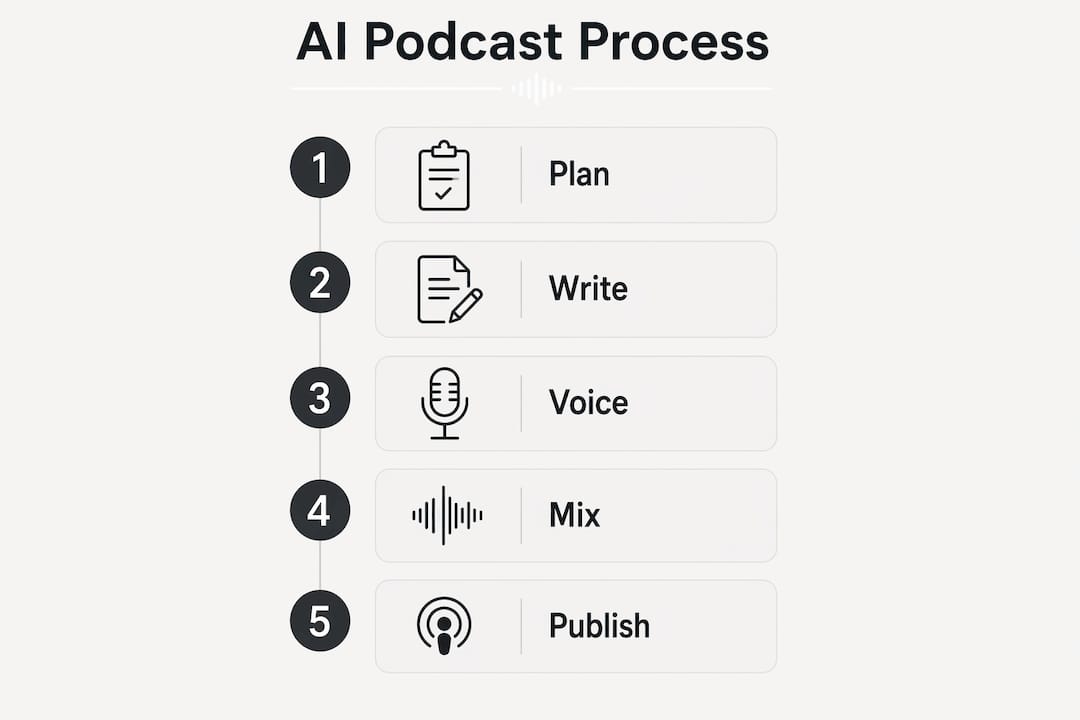
How do you write a script for AI podcast narration?
Writing for AI narration is different from writing for a human speaker. AI voices read exactly what you write, so sentence structure and word choice directly affect how natural the final audio sounds.
Follow these steps to write a script that performs well through voice synthesis:
- Write short sentences. Keep most sentences under 20 words. Long, complex sentences cause AI voices to rush or flatten their delivery.
- Use conversational language. Write the way people talk, not the way they write formal reports. Contractions like “you’ll” and “it’s” sound more natural when synthesized.
- Break content into 3–5 sections. Each section should open with a clear hook or question. Listeners tune out during long, unbroken monologues.
- Read the script aloud before generating audio. If you stumble on a phrase, the AI voice will too. Fix awkward phrasing at this stage.
- Edit for pacing. Add short transitional phrases between sections, such as “Here’s where it gets interesting” or “Let’s break that down.” These cues help listeners follow the structure.
Human editing remains critical even when AI drafts the initial script. AI-generated drafts tend to be verbose and overly formal. A human pass tightens the language and adds personality that keeps listeners engaged.
Pro Tip: Paste your finished script into a text-to-speech preview tool before uploading it to ElevenLabs. Free browser-based readers reveal pacing problems in about two minutes, saving you a full synthesis round.
How do you generate AI voices and assemble the audio?
This is where your script becomes a listenable episode. The process has four clear stages: voice selection, synthesis, music addition, and mastering.

Choosing your voices
Voice consistency across a full episode is critical. Listeners easily detect synthetic inconsistencies, and jarring voice shifts break immersion. For a solo show, pick one voice and stick with it across all episodes to build recognition. For a two-host format, choose voices with clearly different tones, one warmer and one more clipped, so listeners can follow the conversation without confusion.
Generating narration with ElevenLabs
ElevenLabs Studio supports long-form, multi-voice dialogue creation. Upload your script, assign each speaker a distinct voice, and generate the audio. The platform lets you re-roll individual sentences if a line sounds off, which is far faster than re-generating the full episode.
- Adjust the “stability” and “similarity” sliders per voice to control expressiveness.
- Use the “re-generate” function on any sentence that sounds robotic before exporting.
- Export audio as WAV for the highest quality before editing.
Adding music
A short intro and outro music clip gives your show a professional feel. A 12-second music intro is the standard for AI podcast episodes. Use royalty-free tracks from sources like ElevenLabs’ own music library or established royalty-free platforms to avoid copyright issues.
Mastering to broadcast standard
Mastering audio to -16 LUFS is the broadcast loudness standard for podcast platforms. Episodes that miss this target sound too quiet or too loud compared to other shows in a listener’s feed. Use Descript or Audacity to apply loudness normalization before export. Adding subtle room tone under the narration also makes AI voices sound less sterile and more natural.
Pro Tip: Export a 60-second test clip and check its LUFS reading in Audacity before mastering the full episode. Catching a loudness problem early saves you from re-processing a 30-minute file.
How do you publish and distribute your AI podcast?
Distribution is straightforward once your audio file is mastered and your metadata is ready. Follow these steps in order:
- Choose a podcast host. Spotify for Podcasters offers free RSS hosting and automatically submits your show to Apple Podcasts. That single submission covers the two largest podcast directories in the United States.
- Set up your show metadata. Write a clear show name, select the correct category, and craft a description that mentions AI involvement. Platform policies increasingly require transparency about AI-generated content.
- Upload cover art. Most platforms require a square image at 3,000 x 3,000 pixels in JPG or PNG format. Use Canva or Adobe Express to create a clean, readable design that works at thumbnail size.
- Write episode show notes. Include a brief summary, timestamps for each section, and a disclosure statement. A simple line like “This episode was produced using AI voice synthesis” satisfies most platform policies and builds listener trust.
- Submit and wait for approval. Apple Podcasts typically takes 24–72 hours to approve a new show. Spotify for Podcasters is usually faster. Plan your launch date around this window.
Metadata accuracy matters more than most creators realize. Incorrect categories reduce discoverability in platform search results. Take five minutes to verify every field before submitting.
What are the common challenges when making a podcast with AI?
Every creator hits the same friction points on their first few episodes. Knowing them in advance lets you move past them faster.
- Robotic delivery: AI voices flatten emotional peaks in long paragraphs. Fix this by shortening sentences and adding punctuation cues like ellipses or exclamation points to guide the synthesis engine.
- Voice inconsistency between episodes: If you change voice settings between sessions, your show sounds like it has a different host each week. Save your exact ElevenLabs voice settings as a preset after your first episode.
- Audio that fails loudness checks: Automated generation tools often skip post-production mastering. Always run your exported file through a loudness meter before uploading.
- Distribution delays: New shows face longer approval queues. Submit your first episode at least a week before your planned launch date.
- Limited editing options in automated tools: Some fully automated platforms lock the audio after generation. Choosing a tool that allows sentence-level re-generation, like ElevenLabs Studio, gives you the control you need to fix problems without starting over.
“The defining property of a successful AI podcast is human-guided narrative and script quality. Voice synthesis quality matters, but it is the story structure and writing that keep listeners coming back for a second episode.”
Treat each episode as a learning cycle. Note what sounded off, adjust one variable at a time, and your production quality will improve steadily across the first five episodes.
Key takeaways
AI podcast production delivers professional audio at a fraction of traditional costs, but human scripting and editing remain the deciding factor in listener retention.
| Point | Details |
|---|---|
| Script length benchmark | A 10-minute episode requires roughly 1,500 words of script. |
| Loudness standard | Master all episodes to -16 LUFS to meet platform requirements. |
| Voice consistency | Save ElevenLabs voice presets after episode one to keep your show sounding consistent. |
| Distribution shortcut | Spotify for Podcasters provides free RSS hosting and auto-submits to Apple Podcasts. |
| Human editing is non-negotiable | AI drafts need a human pass to tighten language and add the personality that retains listeners. |
Why human creativity still drives the best AI podcasts
I have watched a lot of creators get excited about AI voice tools and then burn out after three episodes. The pattern is almost always the same: they spend 90% of their energy on voice selection and audio polish, and almost nothing on the script. The result sounds technically clean but feels hollow. Listeners drop off before the halfway point.
The creators who build real audiences treat AI as a production assistant, not a content creator. They write tight, opinionated scripts. They structure episodes around a clear argument or story arc. Then they use ElevenLabs and Descript to execute that vision quickly. The AI podcast workflow they follow is disciplined, not spontaneous.
My honest take: the gap between a good AI podcast and a forgettable one is almost never the voice quality. It is the writing. If you invest in your scripting skills, the AI tools will reward you with a production speed that no traditional studio can match. A beginner can produce a polished 10-minute episode in about 90 minutes on the first attempt, and that drops to 40 minutes by the third or fourth episode. That efficiency only pays off if the content is worth listening to.
Start with a strong opinion, a clear structure, and a listener in mind. The AI handles the rest.
— Pedro
Whisprstream makes AI audio creation even easier
You have the workflow. Now you need a platform that keeps up with your content output.
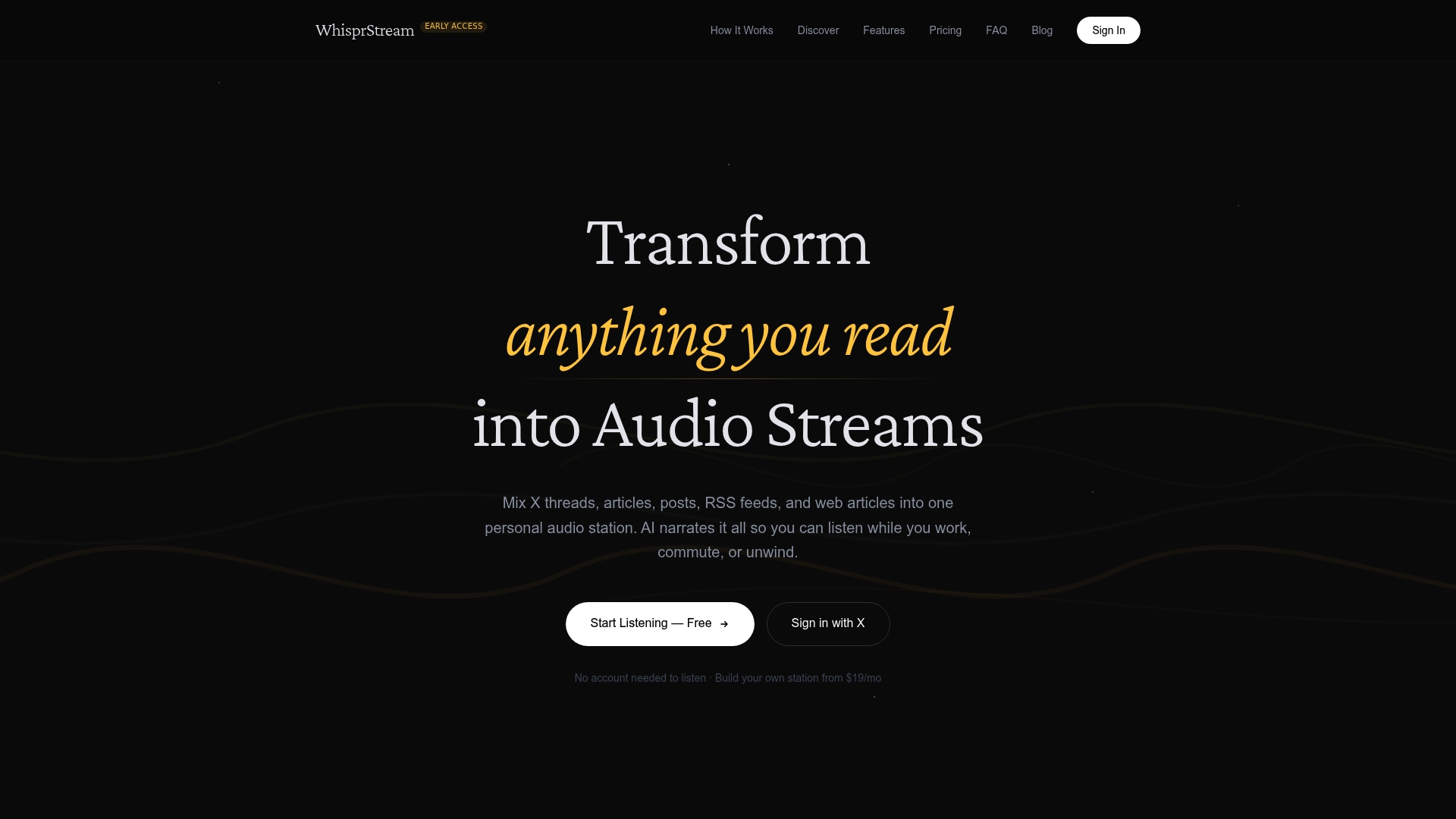
Whisprstream turns articles, RSS feeds, X threads, and social posts into podcast-style audio automatically. You connect your content sources, and Whisprstream assembles a continuous, high-quality audio stream you can listen to while commuting, working, or cooking. No manual synthesis steps. No file exports. For creators who want to consume and repurpose content at scale, the AI audio stations on Whisprstream give you a ready-made listening experience built around your topics. It is the fastest way to go from written content to listenable audio without touching an editing timeline.
FAQ
What is an AI podcast?
An AI podcast is an audio show produced using generative voice synthesis and AI-assisted scripting instead of a human speaker recording in a studio. The content, structure, and editorial decisions remain human-driven.
How long does it take to make an AI podcast episode?
Beginners can produce a polished 10-minute episode in about 90 minutes. By the third or fourth episode, that time drops to roughly 40 minutes as the workflow becomes familiar.
Do I need to disclose that my podcast uses AI voices?
Most major platforms, including Spotify and Apple Podcasts, require or strongly recommend disclosing AI-generated content. A single line in your episode description and show notes satisfies this requirement.
What loudness level should my podcast be mastered to?
Master your episodes to -16 LUFS. This is the broadcast standard for podcast platforms and prevents your show from sounding too quiet or too loud in a listener’s feed.
Can I create a podcast with AI for free?
You can start with free tiers on tools like ElevenLabs and Audacity, though free plans limit monthly character counts for voice synthesis. Solo creators typically spend between $25 and $200 per episode once they move to paid tiers for higher quality and longer episodes.