How to Convert Books to Audiobooks: 2026 Guide
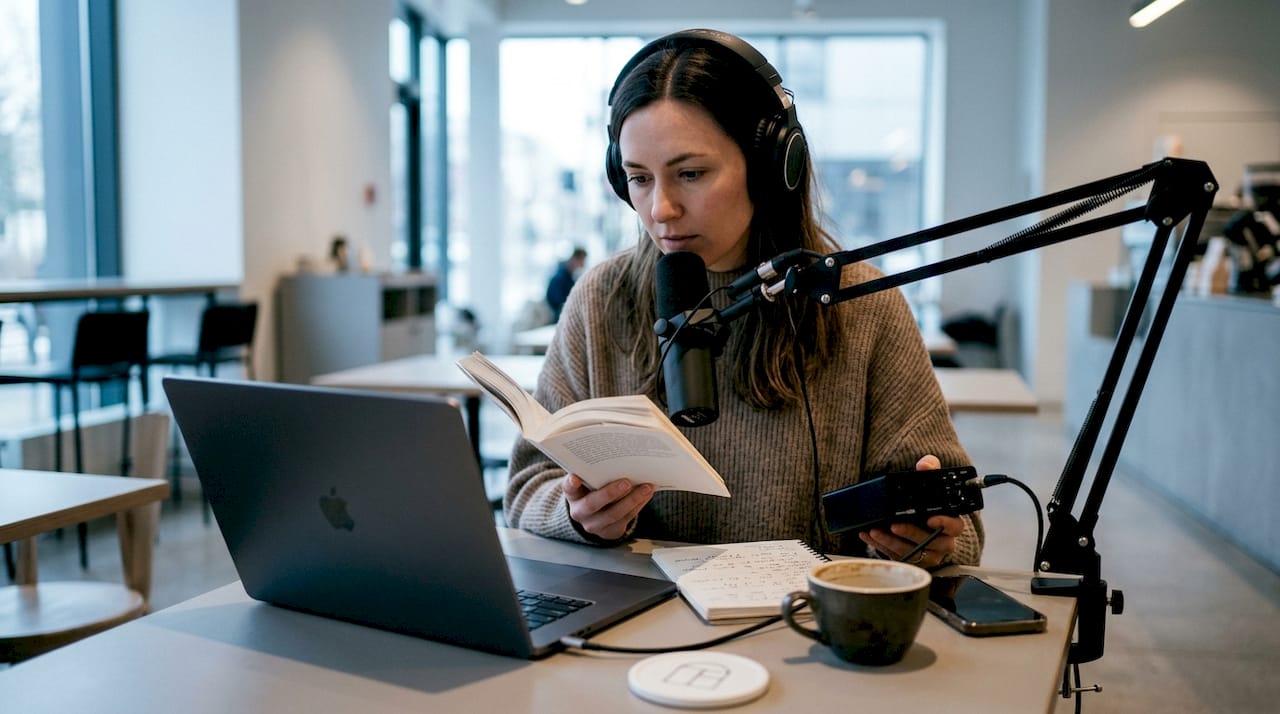
Audiobook conversion is the process of turning written text into a finished audio recording you can listen to on any device. You can convert books to audiobooks using three main methods: DIY recording, professional narration, or AI text-to-speech platforms. Each method carries different costs, production times, and quality outcomes. Personal use conversions from books you own are generally permitted under copyright law, but commercial distribution is restricted by platform terms and copyright rules. Choosing the right method depends on your budget, timeline, and how you plan to use the finished file.
What tools and preparation do you need to convert books to audiobooks?
The right preparation separates a clean, professional audio file from one full of errors and noise. Before you record or generate a single word, you need the right file format, equipment, and cleaned-up text.
File formats and text preparation
EPUB is the preferred format for audiobook conversion. It preserves chapter structure and clean paragraph breaks, which matters a lot when you feed text into an AI narration platform. If your book is a PDF or a Kindle file, use a free tool like Calibre to convert it to EPUB first. After converting, read through the text and remove page numbers, headers, footnotes, and any formatting symbols that would get read aloud as gibberish.
- Remove page numbers, running headers, and footnotes
- Replace abbreviations with full words (e.g., “Dr.” becomes “Doctor”)
- Break long chapter files into individual text documents for easier batch processing
- Check for special characters that narration engines misread
Equipment for DIY recording
Basic recording equipment costs around $150 and covers a USB condenser microphone, a pop filter, and a mic stand. That setup is enough to produce clean audio if your recording space is treated properly. A USB microphone like the Audio-Technica ATR2100x or the Blue Yeti works well for narration at this price point. You do not need a professional studio.
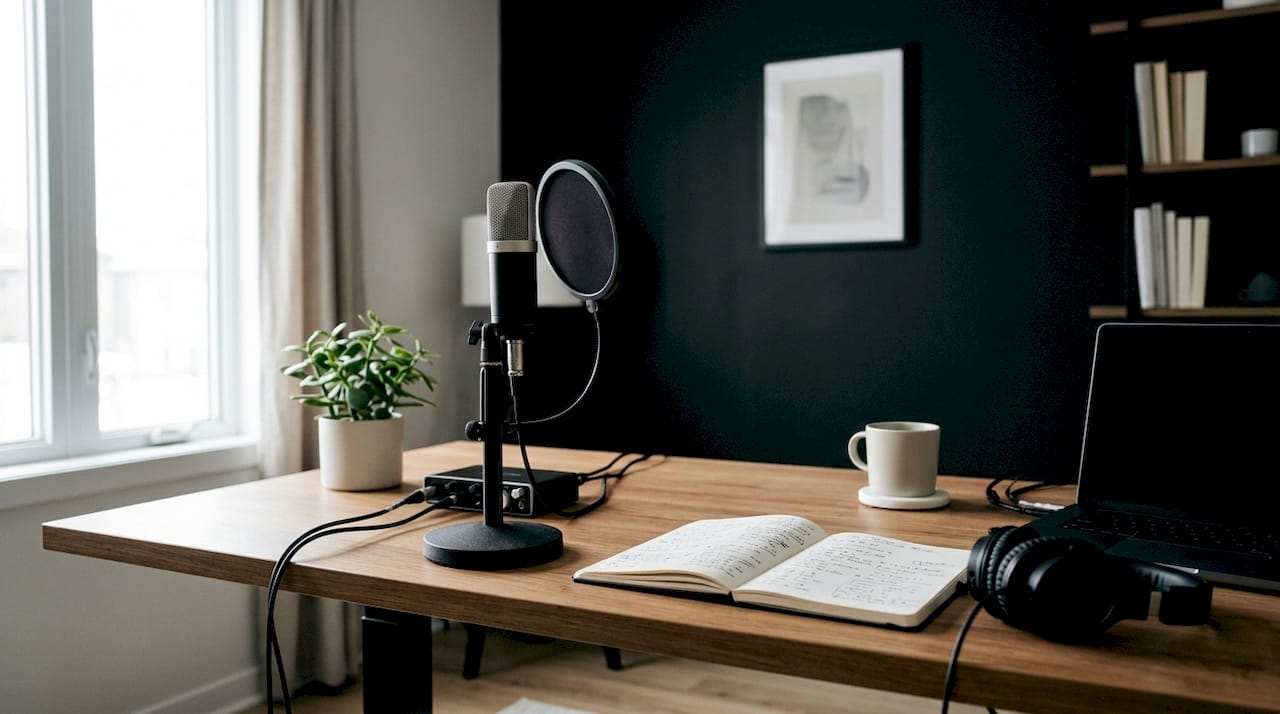
Pro Tip: Room acoustics matter more than your microphone. Recording in a closet lined with clothes absorbs echo and background noise better than most home offices. Hang a thick blanket behind you for extra dampening.
AI and software options
AI narration platforms accept your cleaned EPUB or plain text file and generate spoken audio with a selected voice. Entry-level platforms offer a handful of voices and basic pacing controls. Enterprise-grade platforms offer voice cloning, multi-character narration, and SSML markup support for fine-tuned delivery. For editing DIY recordings, free tools like Audacity handle noise reduction, volume normalization, and chapter splitting without a paid subscription.
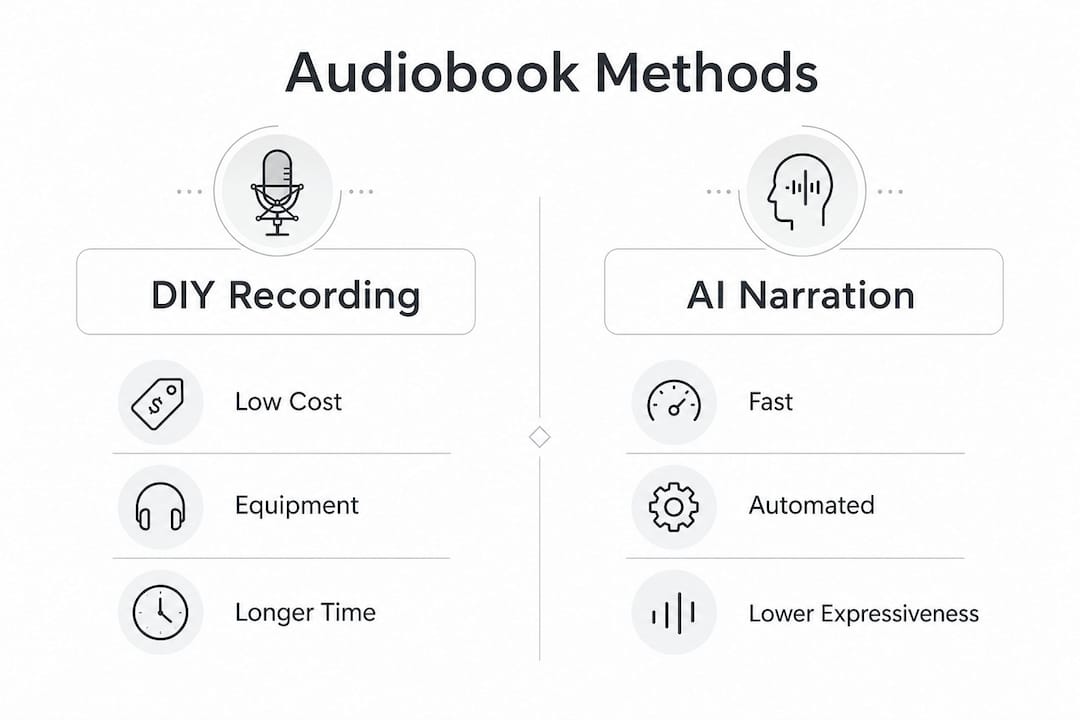
| Approach | Estimated cost | Production time |
|---|---|---|
| DIY recording | ~$150 equipment | Days to weeks |
| Professional narrator | $200–$400 per finished hour | Weeks |
| AI narration | Low per-credit cost | 30–90 minutes for a novel |
How do you convert a book to an audiobook step by step?
The process differs by method, but every approach follows the same arc: prepare your text, produce the audio, edit and master, then export the final file.
Method 1: DIY recording
- Set up your space. Choose a small, quiet room. Hang clothes or blankets on walls to reduce echo. Close windows and turn off HVAC systems before recording.
- Record chapter by chapter. Read slowly and deliberately. Record each chapter as a separate file. Pause and re-read any sentence you stumble on rather than editing it out later.
- Edit in Audacity. Remove long silences, mouth clicks, and background hum using the noise reduction filter. Normalize volume across all chapters.
- Master to spec. Technical mastering to -18 dB RMS, a -3 dB peak, and a noise floor below -60 dB is the standard that separates amateur recordings from professional ones. These are the ACX specifications required for distribution on major platforms.
- Export as MP3. Use a 192 kbps bitrate at 44.1 kHz, mono channel, for ACX compliance.
Method 2: Hiring a professional narrator
Authors who self-narrate add authenticity and reduce costs, but professional narrators bring vocal range and character differentiation that most authors cannot replicate. Expect to pay $200–$400 per finished hour of audio. A 60,000-word novel produces roughly six finished hours, putting the total cost between $1,200 and $2,400. You supply the manuscript, agree on pronunciation guides for character names and places, and review chapter samples before approving the full recording. Most professional narrators deliver files already mastered to ACX spec.
Pro Tip: Ask your narrator for a 5-minute sample from chapter two before committing to the full project. Chapter two is past the opening energy and reveals their natural pacing and character consistency.
Method 3: AI narration
AI narration converts a 60,000-word novel into audio in 30–90 minutes using batch processing. That speed is the method’s biggest advantage. Upload your cleaned EPUB, select a voice, set pacing and emphasis preferences, then run a single chapter as a test. Adjust voice parameters before processing the full book. Download the completed files, review each chapter for mispronunciations or awkward pauses, and export in your target format.
AI narration is the fastest and lowest-cost method, but it currently lacks the expressive range of a skilled human narrator. Emotional scenes, dialogue-heavy chapters, and poetry suffer the most from flat AI delivery.
What are the most common challenges when converting books to audiobooks?
Most problems fall into three categories: formatting errors that corrupt narration, acoustic issues that ruin recordings, and technical mistakes that get files rejected by distribution platforms.
Formatting and narration errors
Unclean text is the top cause of bad AI narration output. Page numbers read aloud as “page one hundred and twelve” mid-sentence. Footnote markers become “asterisk” or “bracket one.” Run a full text audit before uploading. Search for symbols, numbers in unexpected places, and any HTML or markdown tags left over from your ebook file.
Acoustic problems in DIY recording
Background noise is the most common reason DIY recordings fail quality checks. HVAC hum, street noise, and computer fan noise all register on a sensitive condenser microphone. Record a 30-second silence before each session and analyze it in Audacity. If the noise floor reads above -60 dB, fix the room before recording a single word of narration.
Mastering is the step most self-publishers skip, and it is the one that costs them the most. A well-mastered recording at -18 dB RMS with a clean noise floor below -60 dB sounds professional on any speaker or headphone. A poorly mastered file sounds amateur even if the narration is excellent. High-quality mastering is the key differentiator that makes audiobooks sound professional regardless of narration method.
AI narration mistakes
The most expensive AI narration mistake is batch-processing your entire book without testing first. Test a single chapter to check voice tone, pacing, and how the engine handles character names before spending credits on the full manuscript. Catching one mispronounced character name in chapter two saves you from re-generating 20 chapters.
Pro Tip: Build a pronunciation guide as a plain text file and upload it alongside your manuscript. Most AI platforms accept custom pronunciation dictionaries that override default phonetic rules.
How do you distribute and use your audiobooks after conversion?
Distribution options depend on whether you want personal listening files or commercial release on retail platforms.
File formats for listening and distribution
- MP3: Required by ACX for distribution on Audible and Amazon. Use 192 kbps, 44.1 kHz, mono.
- M4B: Supports embedded chapters and cover art, making it ideal for direct sales and personal use on Apple devices.
- WAV: Uncompressed master file. Keep this as your archive copy before converting to MP3 or M4B.
Distribution platforms and requirements
ACX enforces automated quality checks and strict file specifications before accepting any upload. Files that miss the -18 dB RMS target or exceed the -3 dB peak get rejected automatically. Direct sales through your own website or platforms like Payhip give you full control over pricing and royalties. Retail distribution through ACX offers wider reach but locks you into exclusivity agreements that restrict sales elsewhere for set periods.
| Distribution path | Royalty control | Reach | Key requirement |
|---|---|---|---|
| ACX (Audible/Amazon) | 25–40% royalty | Very wide | Strict ACX mastering spec |
| Direct sales | Up to 100% | Limited to your audience | M4B or MP3, your choice |
| Personal use only | N/A | Personal devices | No platform requirements |
Personal use conversions from books you own carry no distribution restrictions. The moment you sell or publicly share a converted audiobook, copyright law and platform terms apply. Always verify rights before listing any title commercially.
Key Takeaways
Successful audiobook conversion depends on choosing the right method, preparing clean text, mastering audio to spec, and understanding your distribution rights before you publish.
| Point | Details |
|---|---|
| Choose your method by budget | DIY costs ~$150, AI narration is fastest, and professional narrators run $200–$400 per finished hour. |
| Clean your text first | Remove page numbers, symbols, and footnotes before feeding any file into an AI narration platform. |
| Master to ACX spec | Target -18 dB RMS, -3 dB peak, and a noise floor below -60 dB for professional results. |
| Test before batch processing | Run one chapter through AI narration to catch voice and pacing issues before committing to the full book. |
| Know your distribution rights | Personal use is generally permitted; commercial distribution requires rights clearance and platform compliance. |
Why the method you choose matters less than you think
Here is the honest truth after working with audiobook production across all three methods: the narration approach is almost never the deciding factor in whether an audiobook sounds good. Mastering is.
I have heard DIY recordings that outperformed professional studio work because the author spent two hours learning proper gain staging and noise reduction. I have also heard AI-generated files that sounded genuinely engaging because the creator chose the right voice, cleaned the text meticulously, and ran the output through a proper mastering chain.
Professional narrators do bring something real to the table. Vocal expressiveness in dialogue-heavy fiction is still beyond what AI delivers consistently. If you are producing a novel with six distinct characters, a professional narrator earns every dollar of that $200–$400 per hour rate. But for nonfiction, business books, or personal memoirs, AI narration combined with solid mastering produces results that listeners genuinely enjoy.
The advice I give every first-time creator is this: do not spend money on a better microphone before you fix your room. Do not hire a narrator before you know your mastering workflow. And do not distribute a single file before you understand what rights you hold. Get those three things right, and the method almost takes care of itself.
— Pedro
Whisprstream and your audio content workflow
If you are already turning books into audio, you know how much written content you consume daily beyond books. Articles, threads, RSS feeds, and newsletters pile up fast.
Whisprstream converts that written content into podcast-style audio you can listen to while you walk, drive, or cook. You build your own audio station by connecting your social accounts or pasting RSS feeds, and Whisprstream’s AI narration handles the rest with continuous playback and no awkward pauses between pieces. It is a natural complement to your audiobook workflow, keeping you in listening mode across every type of content. Explore Whisprstream to see how AI audio fits into your daily reading and learning habits. You can also check out the personal knowledge station to build a custom feed around the topics you care about most.
FAQ
Can you legally convert a book you own into an audiobook?
Personal use conversions from books you legally own are generally permitted under copyright law. Commercial distribution of a converted audiobook requires rights clearance and compliance with platform terms.
What is the fastest way to turn a book into an audiobook?
AI narration is the fastest method, converting a 60,000-word novel into audio in 30–90 minutes using batch processing. Clean your text file first to avoid mispronunciations and formatting errors in the output.
What audio specs does ACX require for audiobook distribution?
ACX requires MP3 files at 192 kbps, 44.1 kHz, mono channel, mastered to -18 dB RMS, with a peak no higher than -3 dB and a noise floor below -60 dB.
How much does it cost to make an audiobook?
DIY recording starts at around $150 for basic equipment. Professional narration runs $200–$400 per finished hour. AI narration platforms charge per credit or per word, making them the lowest-cost option for most projects.
What file format should you use for audiobook distribution?
MP3 is required for ACX distribution on Audible and Amazon. M4B is the better choice for direct sales and personal use because it supports embedded chapter markers and cover art.