Convert Articles to Audio: Your Hands-Free Listening Guide

Converting articles to audio is defined as the process of transforming written text into spoken narration using AI-powered text-to-speech (TTS) technology. You paste a URL, upload a file, or copy text into a TTS tool, and the software reads it back in a natural voice. The result is a listenable audio file you can play during your commute, workout, or lunch break. This guide walks you through the tools you need, a clear five-step workflow, and advanced options for building podcast-style episodes. Whisprstream takes this further by letting you mix articles, RSS feeds, and social threads into one continuous audio station.
What do you need to convert articles to audio?
The right setup makes the difference between a frustrating experience and one that actually sticks. Fortunately, the hardware bar is low and the software options are wide.
Hardware you already own
Any smartphone, tablet, or laptop works as your starting point. Pair it with wired earbuds or Bluetooth headphones and you have a complete listening setup. A reliable internet connection matters most for web-based platforms, though many tools let you download files for offline playback.

Software types to know
TTS tools fall into three categories, and each suits a different workflow:
- Browser extensions: Install directly into Chrome or Firefox and add a “listen” button to any webpage. Browser extensions like Alexandria take about 30 seconds to install and sync your listening progress across devices.
- Web-based platforms: No installation required. You paste a URL or text, pick a voice, and stream or download the result. These work on any device with a browser.
- Desktop and mobile apps: Better for managing large libraries of audio files. Many sync with cloud storage like Google Drive or Dropbox for offline access.
Supported input formats
Most platforms accept multiple input types:
- URLs: Paste a link to any article, blog post, or news page
- PDFs: Upload documents directly, though scanned PDFs may need OCR processing first
- Copied text: Paste raw text for instant conversion
- eBooks and EPUB files: Supported by select desktop apps
Free vs. premium tiers
Free tiers typically support playback speeds from 0.5x up to 5x and include unlimited local playback on some platforms. That covers most casual listening needs. Premium tiers add higher-quality voices, longer document limits, team sharing, and cloud sync. If you listen to more than a few articles per week, a paid plan pays for itself in time saved.
Pro Tip: Start with a free browser extension to test whether audio listening fits your routine before committing to a paid platform.
How do you convert an article to audio, step by step?
Text-to-audio conversion takes under one minute when you follow a clear sequence. Here is the workflow that works across nearly every platform.
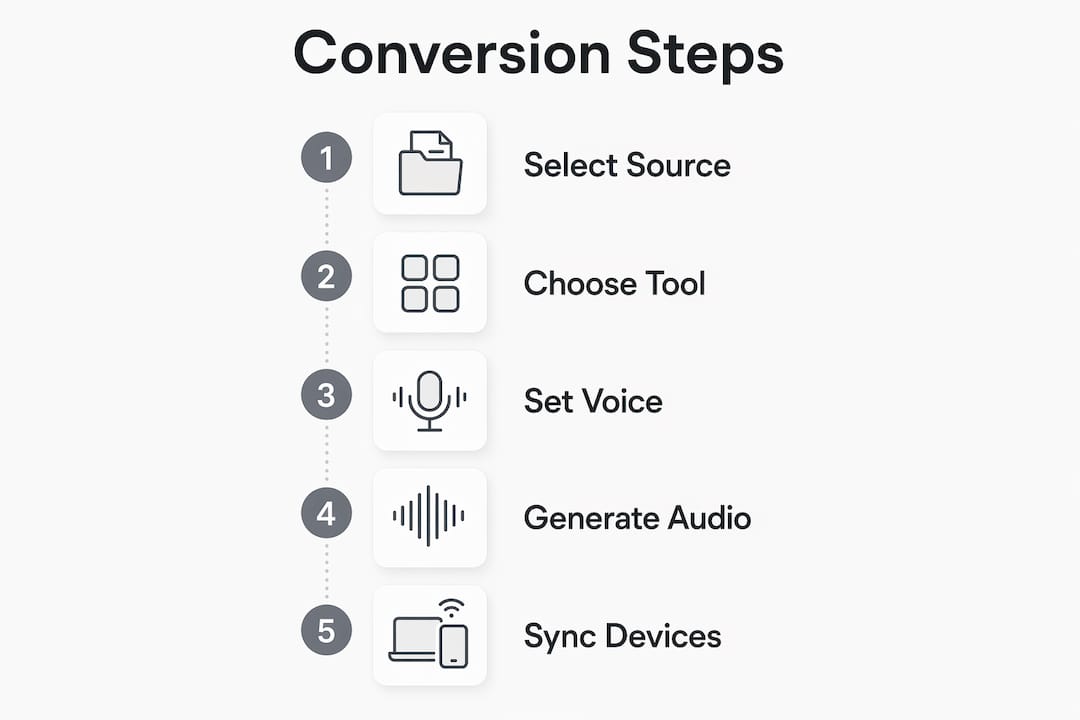
Step 1: Select and prepare your source
Copy the article URL or paste the text you want to hear. For PDFs, make sure the document contains selectable text rather than scanned images. If the PDF is scanned, run it through a free OCR tool first to extract readable text.
Step 2: Choose your TTS tool
Pick a tool based on your use case. A browser extension works best for reading news sites and blogs on the fly. A web platform suits one-off conversions. A dedicated app fits professionals who process many articles daily and want a managed library.
Step 3: Configure voice, speed, and format
Select a voice that sounds natural to you. Most platforms offer multiple accents and genders. Set your playback speed. Most users adapt to speeds between 1.5x and 2.5x within a few weeks, which dramatically increases how much content you can absorb during a commute. Standard speech runs at about 150 words per minute, so 2x speed doubles your throughput without much comprehension loss.
Step 4: Generate and download the audio
Hit the convert or play button. AI tools generate high-quality audio files in seconds and support direct streaming or downloading. Save the file as an MP3 or M4A for maximum compatibility with podcast apps and media players.
Step 5: Sync across devices
Upload your audio file to Google Drive or Dropbox, then access it from any device. Alternatively, import the file into a podcast app like Overcast or Pocket Casts to manage it alongside your regular shows. Some platforms sync your library automatically when you log in.
Pro Tip: Enable word-by-word text highlighting if your platform supports it. Synchronized word highlighting improves retention and focus, especially for dense academic or technical articles.
Can you turn articles into podcast-style episodes?
Yes, and the results are more polished than most people expect. Advanced TTS platforms go beyond basic narration and let you produce structured audio episodes with intros, outros, and chapter breaks.
What advanced tools add
- Intro and outro music: Some platforms let you attach short audio clips at the start and end of each episode, giving your listening sessions a broadcast feel.
- Episode segmentation: Break a long article into chapters by heading or paragraph group. This makes it easier to resume or skip sections.
- RSS feed generation: Advanced tools can generate RSS feeds for your converted content, which means you can subscribe to your own personal podcast in any standard podcast player.
- Batch processing: Upload multiple articles at once and convert them into a sequential playlist or episode queue.
Who benefits most
Researchers, students, and professionals who manage large volumes of reading gain the most from podcast-style conversion. A law student can convert case summaries into episodes and listen during a commute. A product manager can turn weekly industry newsletters into a Monday morning audio briefing. AI-generated personal podcasts require no recording equipment and produce ready-to-stream files in seconds.
Whisprstream handles this workflow natively. You connect an RSS feed or paste article URLs, and the platform assembles them into a continuous AI audio station with natural narration and no awkward pauses between pieces.
Pro Tip: Create a dedicated RSS feed for your most-read newsletters and import it into Whisprstream. Your reading list becomes a personalized radio station you can play hands-free.
What are the most common problems with article-to-audio conversion?
Even the best tools hit friction points. Knowing what to expect lets you fix issues fast instead of abandoning the habit.
Poor text extraction from PDFs
Scanned PDFs produce garbled audio because the tool reads image data instead of text. The fix is simple: run the PDF through a free OCR service before uploading. Google Docs also converts scanned PDFs to editable text when you open them with the “Open with Google Docs” option.
Unnatural AI voices
Not all TTS voices are equal. If a voice sounds robotic or mispronounces common words, switch to a neural voice option. Most platforms label these as “neural,” “natural,” or “premium.” The quality gap between standard and neural voices is significant, and the better option is usually available even on free tiers.
Syncing issues across devices
If your progress does not carry over between your phone and laptop, check whether you are logged into the same account on both devices. Cloud sync requires an active account. Downloading the MP3 and uploading it to a shared folder in Google Drive is a reliable fallback.
Information overload
Long articles can feel exhausting in audio form. Converting only the most relevant sections of an article prevents cognitive overload and keeps your listening sessions focused. Copy just the introduction and key sections rather than the full text when an article runs over 3,000 words.
“Only converting the most relevant sections or summaries of an article improves focus and minimizes cognitive overload during listening. Dense material becomes far more digestible when you treat audio conversion as a curation tool, not a duplication tool.”
Comprehension at high speeds
Start at 1.25x and increase by 0.25x increments over two weeks. Jumping straight to 2x causes comprehension to drop sharply. Gradual adaptation lets your brain recalibrate without losing the thread of what you are hearing.
Key Takeaways
Converting articles to audio works best when you pair the right tool with a consistent listening habit and smart content curation.
| Point | Details |
|---|---|
| Setup takes under a minute | Free browser extensions and web platforms convert any article URL to audio in seconds with no technical skill required. |
| Speed adaptation is gradual | Start at 1.25x and work up to 1.5x–2.5x over weeks to increase content volume without losing comprehension. |
| Podcast-style output is possible | Advanced tools add intros, outros, and RSS feeds so your converted articles play like a personal podcast. |
| Curate before you convert | Converting only key sections prevents information overload and makes dense material easier to absorb on the go. |
| Sync enables true hands-free use | Saving audio to cloud storage or a podcast app lets you pick up exactly where you left off across any device. |
Why I think most people underestimate audio conversion
Pedro here. I have tested a lot of TTS tools over the years, and the single biggest mistake I see is treating audio conversion as a replacement for reading. It is not. It is a different mode of engagement entirely.
When I started listening to articles at 1.5x speed during my morning walk, I was not trying to replace my reading time. I was reclaiming dead time. The commute, the gym, the grocery run. Those hours used to be empty. Now they are where I get through my daily digest of industry news, long-form pieces, and research summaries.
The format that surprised me most was podcast-style conversion with chapter breaks. Splitting a 5,000-word report into five short episodes made it feel manageable. I listened to one chapter per workout. By Friday, I had absorbed a full research report without sitting at a desk once.
My honest recommendation: do not wait until you have the perfect setup. Pick one free tool, convert one article you have been meaning to read, and listen to it on your next commute. The habit builds itself once you realize how much time you were leaving on the table.
— Pedro
Whisprstream turns your reading list into a personal audio station
If you want to go beyond converting one article at a time, Whisprstream is built for exactly that.
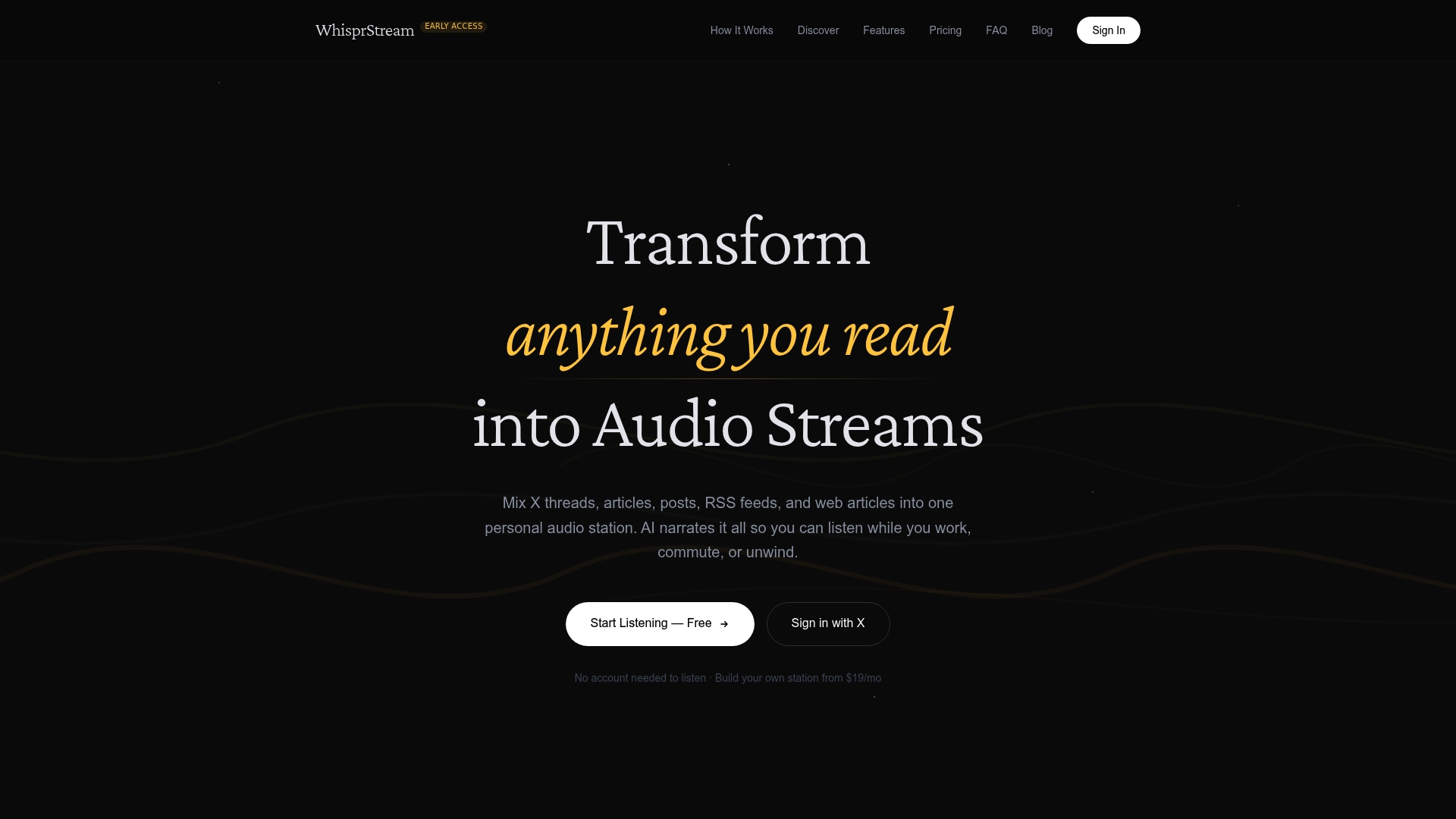
You connect your RSS feeds, paste article URLs, or link your social accounts, and Whisprstream assembles everything into a continuous audio stream with natural AI narration. No awkward cuts between pieces. No manual file management. The platform handles open source AI content, news feeds, X threads, and long-form articles in one place. You can explore public stations curated by topic or build your own from scratch. If your reading list is growing faster than your reading time, Whisprstream gives you a way to actually get through it.
FAQ
What is the fastest way to convert an article to audio?
Paste the article URL into a web-based TTS platform or use a browser extension. The entire process takes under 60 seconds from start to playback.
Can I convert articles to audio for free?
Yes. Free tiers on most TTS platforms support URL-based conversion, multiple voice options, and playback speeds up to 5x with no cost.
How do I listen to articles as a podcast?
Use a platform that generates RSS feeds from your converted audio files, then subscribe to that feed in any standard podcast app like Overcast or Pocket Casts.
What playback speed should I use for articles?
Start at 1.25x and increase gradually. Most listeners adapt to 1.5x–2.5x within a few weeks, which significantly increases how much content you can cover per session.
Does word highlighting help with audio comprehension?
Yes. Synchronized word highlighting improves retention and focus, particularly for technical or academic content where missing a key term changes the meaning.