Top 5 Alternatives to Natural Reader 2026

Finding a text to audio streaming service that fits both flexible content types and sharing needs feels too limited by generic voice or locked-down distribution. Many tools limit audio streaming to basic documents, lack broad voice options, or restrict sharing features behind team-only plans. This guide covers price, voice quality, language features, and sharing controls across five text to audio platforms so content creators and teams can match one to their workflow and audience size.
Table of Contents
WhisprStream
At a Glance
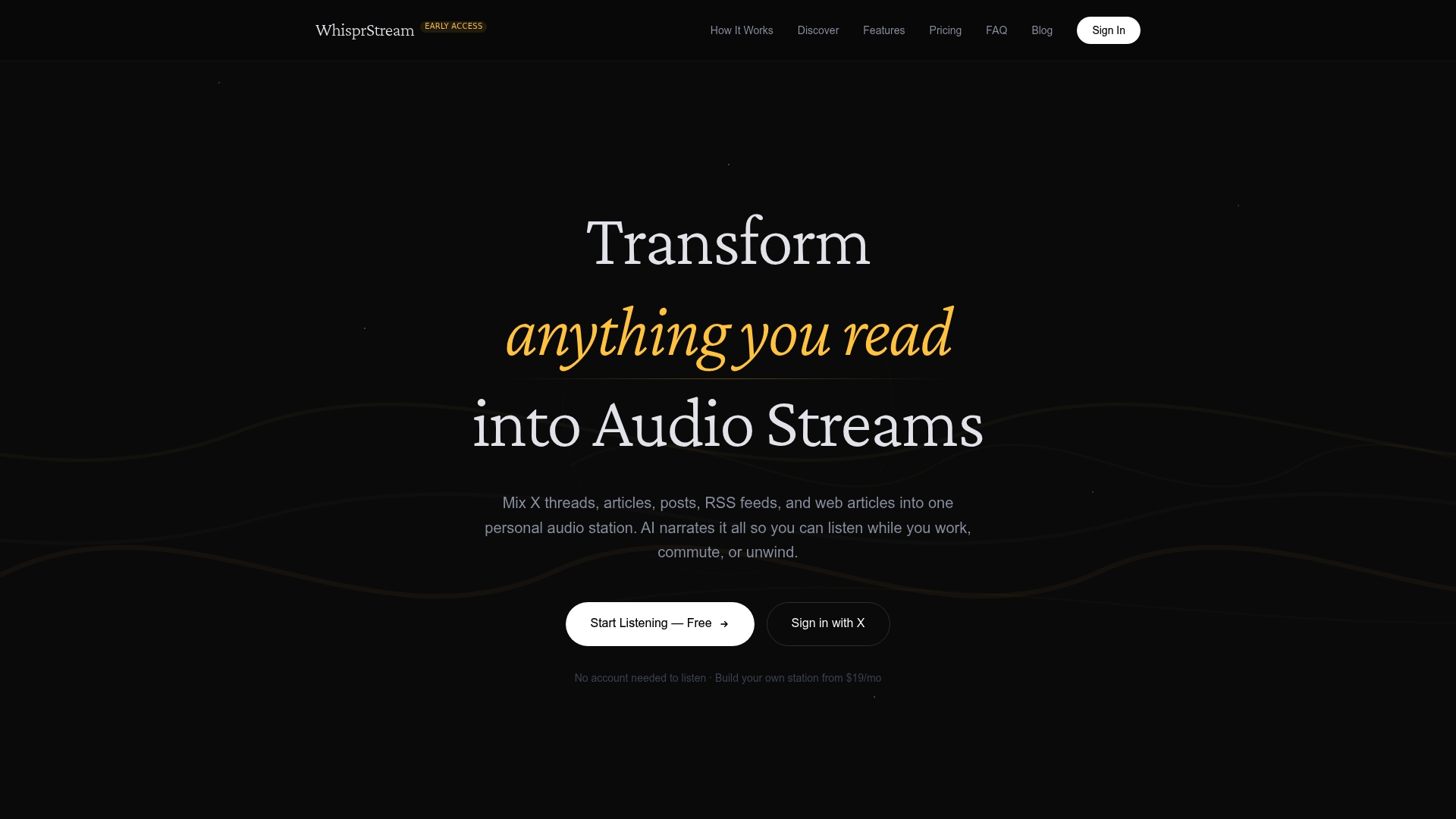
You can listen to public stations on WhisprStream without creating an account. That public listening model makes curated community stations easy to share and discover. The platform converts threads, articles, posts, RSS feeds, and web articles into continuous audio narrated by AI.
Core Features
WhisprStream uses AI-powered natural narration to read threads, articles, posts, and RSS feeds, and it mixes those sources into a single listening station. Users create customizable stations with shared handles, manage bookmarks and playlists, and control playback speed across devices. Voice tiers range from natural to premium for higher fidelity narration.
Key Differentiator
Transforms multiple text formats into podcast style audio with smooth transitions between items. The system handles threaded discussions, articles, and RSS feeds in one queue so stations play continuously without awkward pauses. Community sharing is built in, letting groups build public stations that anyone can tune into.
Pros
WhisprStream enables listening to multiple content types together, which saves time when you want news, threads, and Longford pieces in one feed. Public stations require no account to listen, helping communities gain listeners quickly. Station builders can paste RSS feeds or connect social accounts to assemble focused audio stations, and playback works across devices so you can pick up listening on phone or desktop.
Cons
- Some community stations have no sources configured, so a public station may deliver no content until sources are added.
Who It’s For
Knowledge workers, creators, and community managers who prefer to consume text as audio will get the most from WhisprStream. People who commute, work with research feeds, or moderate niche communities benefit from shared stations and curated playlists. It also suits educators and anyone who wants a listening habit built from varied textual sources.
Unique Value Proposition
You can build a personally curated station by pasting RSS feeds or connecting social accounts, then share that station publicly so anyone can listen without signing up. That setup replaces multiple reading lists with a single audio stream you can play while you move. For creators who publish curated threads or summaries, that public sharing model turns written curation into an accessible audio channel.
Real World Use Case
A researcher assembles RSS feeds and key journals into a morning station and listens during the commute to catch headlines and summaries. A hobbyist community creates a public station of curated threads and news posts so members can follow niche topics hands free. Both workflows rely on continuous playback and the ability to mix multiple sources into one station.
Website: https://whisprstream.com
Woord
At a Glance
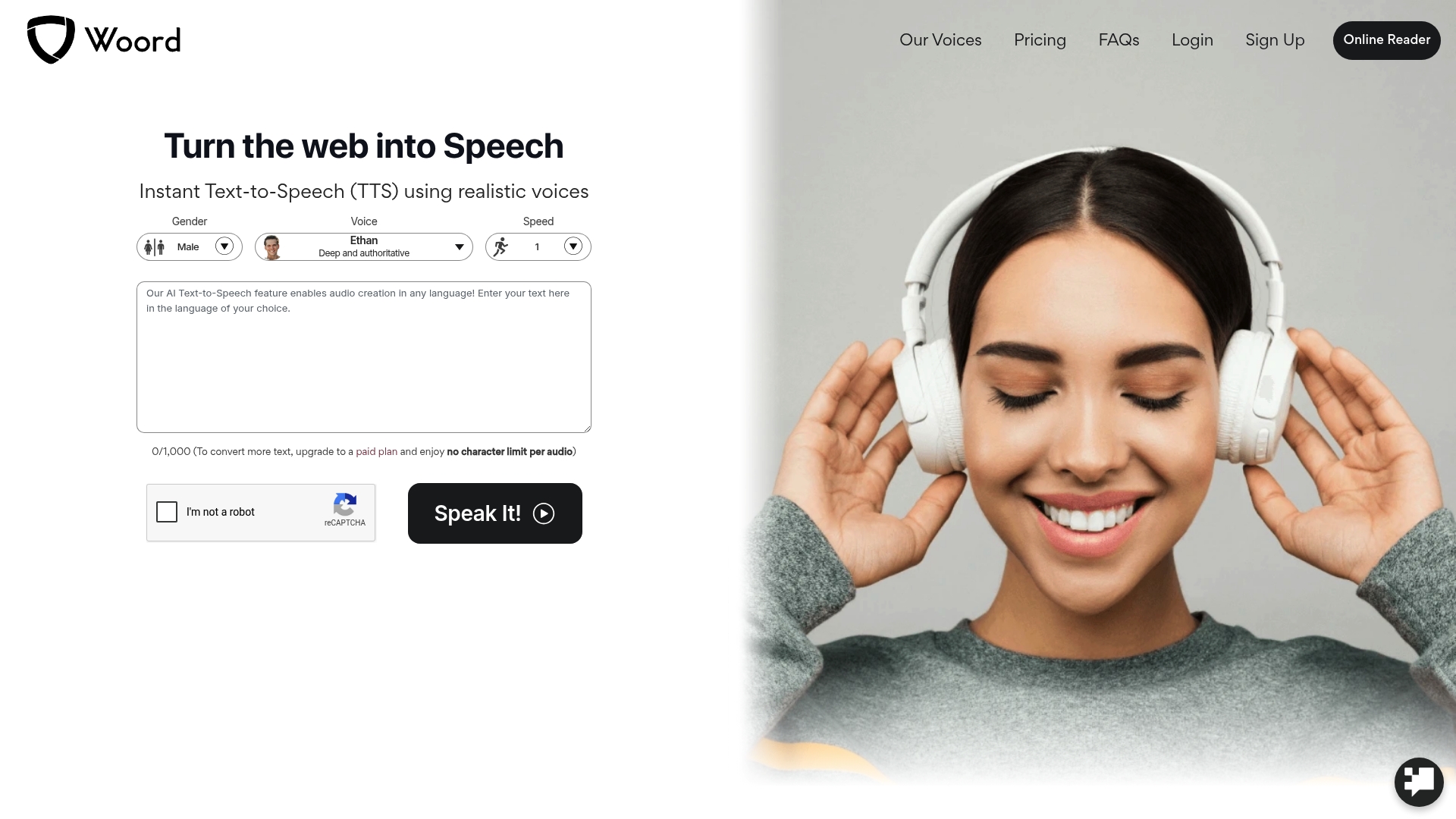
Woord offers 100+ natural voices in over 34 languages and regional variants, making language coverage a standout feature. The service can convert web pages, PDFs, images, and scans into speech instantly. Paid users keep ownership of generated audio files, which helps reuse in commercial projects.
Core Features
Woord provides realistic AI-generated voices with adjustable speech speed, volume control, and SSML support for fine-tuned narration. The platform includes MP3 download and an HTML embed audio player for easy redistribution and reuse in websites or episodes. Developers get a flexible API and OCR support to extract text from images and scanned documents for audio conversion.
Key Differentiator
The clear selling point is its wide language and regional coverage paired with realistic voice models. That mix lets creators produce multilingual episodes and voice outputs without juggling multiple vendors. The API access makes it practical for embedding speech into apps or voice assistants.
Pros
Woord’s voice catalog covers many regional variants, which improves naturalness when you need specific accents or dialects for narration. Paid plans remove character conversion limits, so you can generate long-form audio without per-file caps on paid tiers. Users retain ownership of their audio files, simplifying licensing for podcasts, videos, and commercial uses.
Cons
- Pricing may be prohibitive for high-volume users. The stated tier structure places limits on cost efficiency for heavy output.
- Voice customization appears limited to speed and tone adjustments. There is no extensive control over phonetics or advanced voice shaping listed.
- No information on offline capabilities or hardware integrations. That could block workflows requiring on-premise processing.
When It May Not Fit
If you need detailed phonetic editing or advanced voice tuning, this product may fall short. High-volume producers will feel the pricing strain when output scales beyond included characters. Teams that require offline processing or direct hardware hooks should look elsewhere because no such capabilities are listed.
Who It’s For
Developers, content creators, and businesses that need multi-language speech synthesis fit Woord well. It suits teams that plan to embed audio via API or publish MP3s and embeds for web distribution. The platform also serves accessibility projects that need OCR and broad language support.
Real World Use Case
A media company converts daily news stories into podcast episodes using Woord’s voices and MP3 exports. The team embeds audio players on article pages and publishes the same files to their podcast feed. The API automates conversion for new articles, reducing manual production time.
Pricing
Plans start at $9.99 per month for the Starter plan with 100,000 characters and go up to $99.99 per month for the Pro plan with 3,000,000 characters. Additional enterprise options are available for larger needs and custom limits.
Website: https://getwoord.com
Verbatik AI
At a Glance
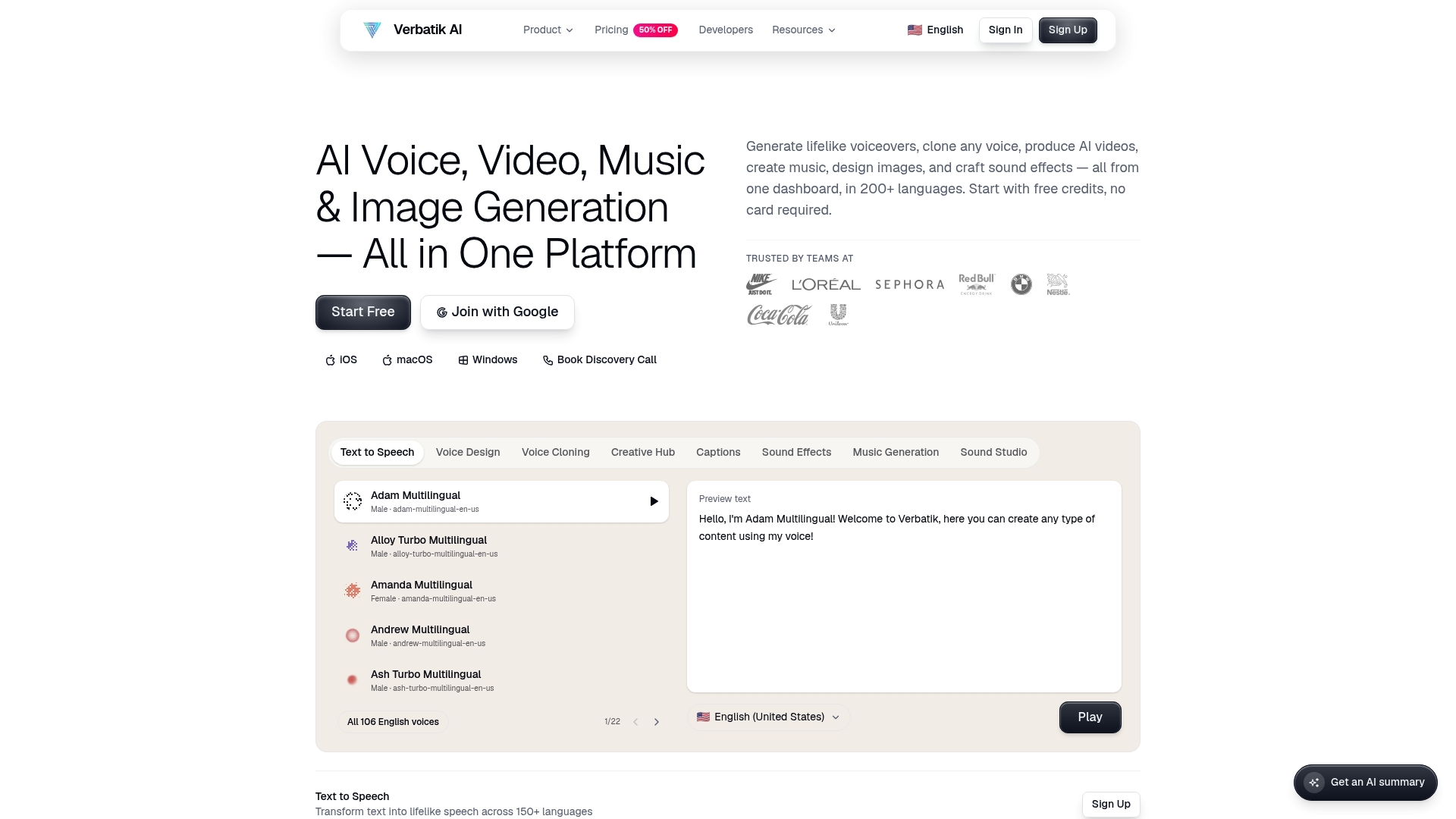
Supports more than 200 languages and a library of 1,500+ voices, covering a wide range of accents and speaking styles. Verbatik AI reports over 150,000 creators use the platform and it offers desktop apps plus full API access. The combination of voice, video, music, and image generation in one dashboard is unusually broad for a single product.
Core Features
Verbatik AI combines voice synthesis, voice cloning from a single sample, music and sound effect generation, plus video and image creation into one workflow. The platform exposes API access with real-time streaming and SDKs for TypeScript and Python so developers can embed generation into apps. Editing and asset assembly happen inside the same interface to keep media production in one place.
Key Differentiator
Verbatik AI’s distinct angle is its all in one creative suite with an unusually large voice library and flexible developer tools. The product pairs high-volume voice options with programmatic access for automation and custom pipelines. That mix targets teams that need both varied narration styles and direct integration into publishing or localization workflows.
Pros
Verbatik AI centralizes multiple media tasks so you can produce voiceovers, music beds, and supporting visuals without switching tools. Its voice cloning works from minimal input and the vendor highlights natural intonation and emotion control across many voices. Bundled plans aim to keep costs lower than buying separate tools, and the platform supports global content by offering many languages and accents.
Cons
- Limited independent review data on long-term performance and customer support responsiveness.
- Pricing can become costly at scale for heavy API usage or high-volume character billing.
- No public detail on fine-grained customization limits for some enterprise workflows.
When It May Not Fit
Teams that require proven, long-term support histories may want independent references before committing. Organizations with massive character volumes should model API costs carefully because pay as you go can add up. Projects that need an established third-party plugin ecosystem or audited service-level guarantees may find this offering less mature.
Who It’s For
Content creators, marketing teams, educators, and developers who want a single platform for narrated content, localized media, and programmatic generation will get the most value. It fits small agencies and in-house teams that combine script writing, voice production, and light video assembly without separate vendors. Developers building automations will appreciate the SDKs and streaming API.
Real World Use Case
A marketing team produces multilingual promotional videos. They clone a brand voice from one sample, generate matching background music, and render short video clips inside the same project. The team then automates voiceover insertion through the API and publishes localized variants faster than using different specialist tools.
Pricing
Plans vary by feature set and volume, with Pro starting at $39/month. API access follows a pay as you go model at $0.000025 per character, so billing scales with usage. Enterprise options and bundled plans are available for teams that need higher quotas or account management.
Website: https://verbatik.com
Unreal Speech
At a Glance
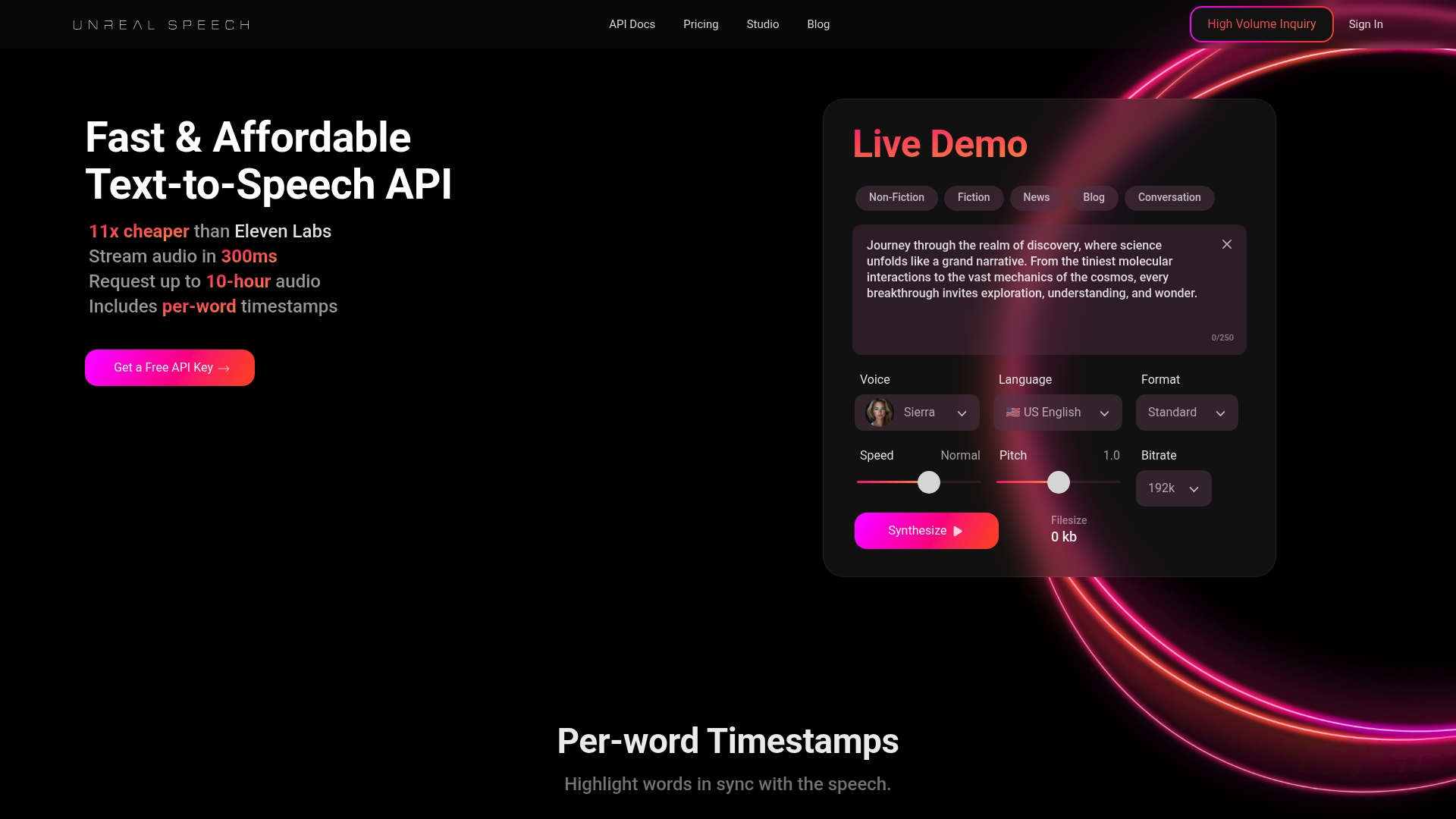
Unreal Speech’s marketing materials claim it is 11x cheaper than Eleven Labs while delivering superior voice quality and fast request streaming. According to the company, the service streams’ audio in 300ms and supports requests up to 10 hours of audio per call. That combination targets teams producing very large volumes of synthetic speech.
Core Features
Unreal Speech exposes an API and SDKs that produce realistic AI voices and provide per-word timestamps for precise captioning and lip sync. The service offers multiple language and voice options, low-latency streaming, and support for long single-call audio up to the duration listed above. Developers can stream audio into workflows for podcasts, IVR, or batch rendering.
Key Differentiator
That price and performance claim places Unreal Speech as a budget friendly option for high-volume synthesis. The vendor combines low-cost positioning with fast streaming and a focus on natural sounding voices. Teams trading off bespoke voice cloning for lower cost and faster throughput will find this angle compelling.
Pros
Unreal Speech targets large-scale project where per-minute cost matters. Its voice output reads as natural and the API returns per-word timestamps which simplify caption sync and editing. Streaming responses arrive quickly which reduces end-to-end render time for automated pipelines. Flexible tiered pricing and long single-call support make it practical for publishers and automated voice systems.
Cons
-
No custom voice cloning feature currently exists. That blocks projects that need brand specific voices.
-
Multilingual coverage is narrower than some rivals. Amazon Polly still has broader prebuilt language support.
-
Voice customization options are limited compared with bespoke cloning workflows. That restricts advanced branding and character creation.
When It May Not Fit
Buyers who require ultra-custom voice cloning should not pick this product right now. Teams needing broad multilingual voice libraries for global IVR will find coverage too narrow. If a project demands exact brand voice matching or many localized voices, this service will feel constrained.
Who It’s For
Developers and businesses that need high-quality, scalable text to speech for large volumes of audio will benefit most. Content producers, audiobook teams, and companies building IVR or voice assistants fit this profile. Organizations that prioritize cost per character and fast streaming will appreciate the trade offs.
Real World Use Case
Unreal Speech’s case study claims a media company switched from traditional voiceovers for large scale audiobook production and saved 75% on costs while keeping voice quality high. That example shows how batch rendering and streaming APIs can reduce per title expense for publishers.
Pricing
The vendor lists a free tier with 250K characters/month and paid tiers up to $4,999/month for 625M characters, plus volume discounts. Pricing targets teams that scale into high volume usage and want predictable monthly billing.
Website: https://unrealspeech.com
WellSaid
At a Glance
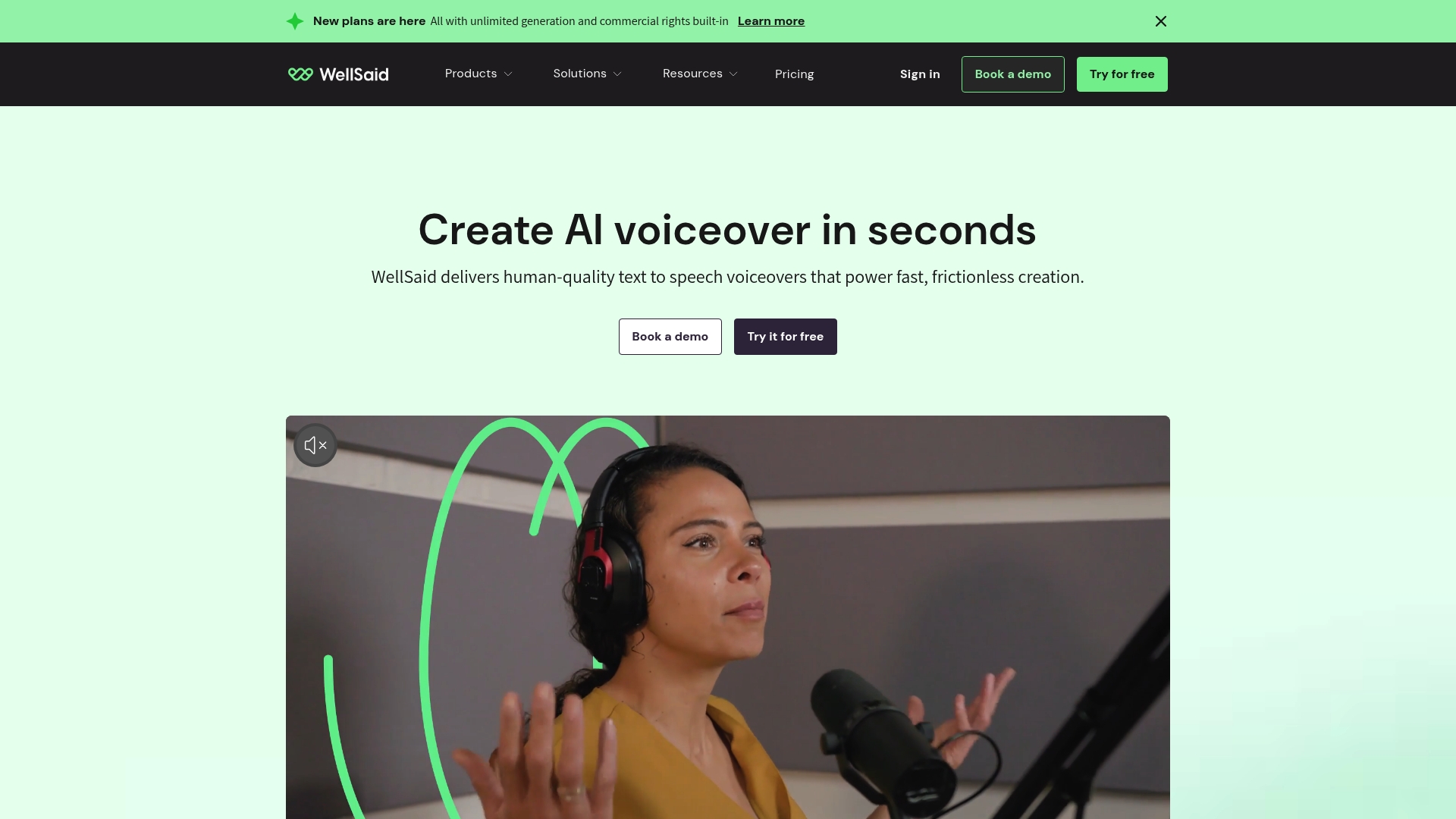
WellSaid reports a library of 120+ voices modeled on licensed recordings of professional actors. The platform targets teams that need consistent, commercial-ready voice content for training and marketing. Legal controls and collaboration tools aim to keep large projects organized and auditable.
Core Features
WellSaid includes Unlimited generation and commercial rights, a wide language set, and regional accent support for localization. The service offers voice customization options for pronunciation, pacing, and tone alongside team collaboration tools for project review and feedback. A flexible API lets teams embed voice generation into apps, LMSs, and IVR systems.
Key Differentiator
The vendor advertises that WellSaid was built from licensed recordings of real actors and protected with enterprise-grade security and IP rights management. That compliance claim references SOC2 and GDPR as corporate controls. The result is a platform focused on legally clear, actor-backed voices for organizations that must manage rights and audits.
Pros
Natural-sounding voice output stems from the actor-based voice models, which reduces the robotic tone common in other engines. Multi-language and regional accent support helps teams publish localized voice content quickly. The platform offers a developer-friendly API for integration into production pipelines and IVR systems. Built-in collaboration features speed review cycles and keep voice assets centralized. Strong legal controls mean teams can license voice content without separate voice actor negotiations.
Cons
- Pricing transparency is limited. The company lists custom pricing and asks organizations to consult the pricing page or sales team.
- The interface and feature set skew toward team workflows. Individual hobbyists may find the product complex and heavyweight.
- Enterprise contracts appear central to access. That model reduces on-demand, low-cost options for casual or very small projects.
When It May Not Fit
If you only need a single, low-volume voice for personal projects, this product may be more than you need. Teams that require up-front, fixed pricing for small budgets may find the sales process slow. Workflows that must run fully offline will not fit, because API features require internet access.
Notable Integrations
WellSaid connects via its API to custom applications and platforms. It lists integrations with Adobe Express and Premiere Pro for content editing workflows. The platform also plugs into common LMS platforms for training delivery and into IVR systems for telephony voice.
Who It’s For
Enterprise teams and content professionals who need legally clear, customizable AI voiceovers for training, marketing, and communications. Organizations that must manage voice actor rights and maintain security controls will get the most value. Development teams planning to embed voice into products will also benefit.
Real World Use Case
A multinational uses WellSaid to produce consistent voiceovers for onboarding modules across markets. Local teams swap regionally accented voices and adjust pacing for cultural fit. That process cut coordination overhead and made translation cycles faster.
Pricing
Pricing is customized and varies by enterprise requirements and usage volume. The company directs buyers to its pricing page for tier details and contract options. Smaller teams should expect to contact sales for a tailored quote.
Website: https://wellsaid.io
Comparison of alternatives
WhisprStream excels in transforming varied text formats into continuous audio stations, setting it apart from its competitors. However, depending on specific needs, each platform listed demonstrates unique strengths useful for different scenarios.
Multiformat Audio Production
WhisprStream distinguishes itself in integrating multiple text types—threads, articles, and RSS feeds—into cohesive audio stations, suitable for uninterrupted listening and sharing within communities. Its feature allowing public access without user accounts sets a practical precedent for accessibility and community-focused applications.
While Verbatik AI centralizes creative tasks beyond voice synthesis, incorporating video, images, and music, its breadth makes it ideal for teams requiring multifaceted media production. Woord targets creators needing specialized language and API tools but restricts phonetic customization, leaving room for improvement when personalized voices are.
Language and Customization Breadth
Platforms vary significantly in language coverage and voice customization. Woord supports over 34 languages with regional variants, perfect for multilingual content creation. On the other hand, Unreal Speech emphasizes cost-effective synthesis for large-scale projects, excelling in cost per character and minimizing streaming latency—a pragmatic feature for publishers with bulk audio requirements.
WellSaid provides licensed actor-based voices, offering reliability backed by IP rights management suitable for enterprises demanding legally compliant voice assets. Its design accommodates stringent localization and training workflows.
Best fit
- Commuters relying on varied news threads: WhisprStream is exceptional for building tailored community stations accessible without accounts.
- Content creators embedding synthesized voice in multilingual projects: Woord shines where regional accents and dialects play critical roles.
- Publishers needing batch-render audio routines: Unreal Speech’s fast response and scalable pricing serve high-volume needs.
- Creative teams generating diverse media assets: Verbatik AI brings tools for integrating voice, image, and music assembly in one workflow.
- Enterprises prioritizing legal compliance: WellSaid’s actor-modeled voices meet organizational requirements for rights management.
Our pick
WhisprStream remains the preferred choice for individuals and groups seeking continuous playback of text-based stations, accessible across devices without creating accounts. However, for multilingual capabilities or advanced creative suite needs, competitors like Woord and Verbatik AI may be more suitable.
For users examining platforms for text-to-audio conversion with superior narration quality combined with community sharing features, the following comparison highlights key aspects:
| Product Name | Core Features | Key Differentiator | Best For | Notable Limitation |
|---|---|---|---|---|
| Whisprstream | AI voices, multi-format continuous playback | Converts threads and articles into a station | Knowledge workers and community managers | Some public stations may lack configured sources |
| Woord | Multilingual voices, OCR support, MP3 output | Broad language support | Content creators needing multilingual output | Limited customization for phonetics or advanced tuning |
| Verbatik AI | Voice, video, music generation | All-in-one media production suite | Developers and media creators | Higher costs for large-scale API usage |
| Unreal Speech | Realistic voices, per-word timestamps | Competitive pricing for high-volume synthesis | Developers requiring cost-efficient scaling | Lack of custom voice cloning for brand-specific needs |
| WellSaid | Licensed actor voice models, commercial rights | IP rights management and enterprise-grade API | Enterprise teams creating customizable content | Pricing details require direct contact with the company |
## How Can You Find Better Alternatives to Natural Reader?

Many knowledge workers and creators look for tools that merge threads, articles, and posts into one easy listening experience. Whisprstream answers the need by letting you create personalized audio stations from your favorite RSS feeds or social accounts. Its AI narration flows smoothly without pauses, keeping you informed while you walk, drive, or cook.

**Whisprstream** helps build curated, public stations that anyone can tune into without needing an account. This model makes sharing your favorite content effortless and keeps your listening nonstop. Check out [Whisprstream](https://whisprstream.com) to assemble your own custom audio feed. Start mixing multiple content types into one continuous stream and see how it improves your information intake today.

## FAQ

#### How does Whisprstream convert text to audio?
Whisprstream uses AI-powered natural narration to read threads, articles, posts, and RSS feeds. This feature allows users to listen to a diverse range of content in an engaging audio format, making it a great alternative for those who prefer audio consumption over reading. Start creating your own listening stations today!

#### What is the difference between Whisprstream and Woord?
Woord offers over 100 natural voices in more than 34 languages, which is beneficial for users needing multilingual content. Whisprstream, on the other hand, excels at combining multiple text formats into a single audio stream, making it more suitable for users looking to consume varied content types effortlessly. Explore Whisprstream to enhance your audio consumption experience.

#### Can I stream RSS feeds using Whisprstream?
Yes, Whisprstream allows users to paste RSS feeds to create customizable stations. This feature facilitates continuous audio playback from several sources, which is perfect for staying updated with news and long-form content. Utilize this capability to build your personalized listening experience.

#### Does Whisprstream support community sharing?
Whisprstream includes built-in community sharing features, allowing users to create public stations that others can listen to without an account. This setup encourages collaborative listening, making it an excellent choice for community managers and group coordinators. Consider creating your public station today!

#### What unique features does Whisprstream offer compared to other platforms?
Whisprstream's standout feature is its ability to transform multiple text formats into continuous audio with smooth transitions. This reduces awkward pauses and enhances the listening experience, especially for users seeking diverse content in one feed. Experience Whisprstream to streamline your audio consumption.

## Recommended

- [WhisprStream – Turn X threads, articles & RSS into AI audio](https://whisprstream.com)
- [Open Source AI – WhisprStream](https://whisprstream.com/@opensourceai)
- [Daily Digest – WhisprStream](https://whisprstream.com/@dailydigest)
- [WhisprStream](https://whisprstream.com/public/stations)

[Article generated by BabyLoveGrowth](https://www.babylovegrowth.ai)